Inbound email to qualified lead
Beyond the outbound research flow, the platform also captures leads coming in the other direction: a real inbound message, parsed and scored by an agent, with a tool call that lands the result in a spreadsheet a salesperson already has open. Real demo, real example.
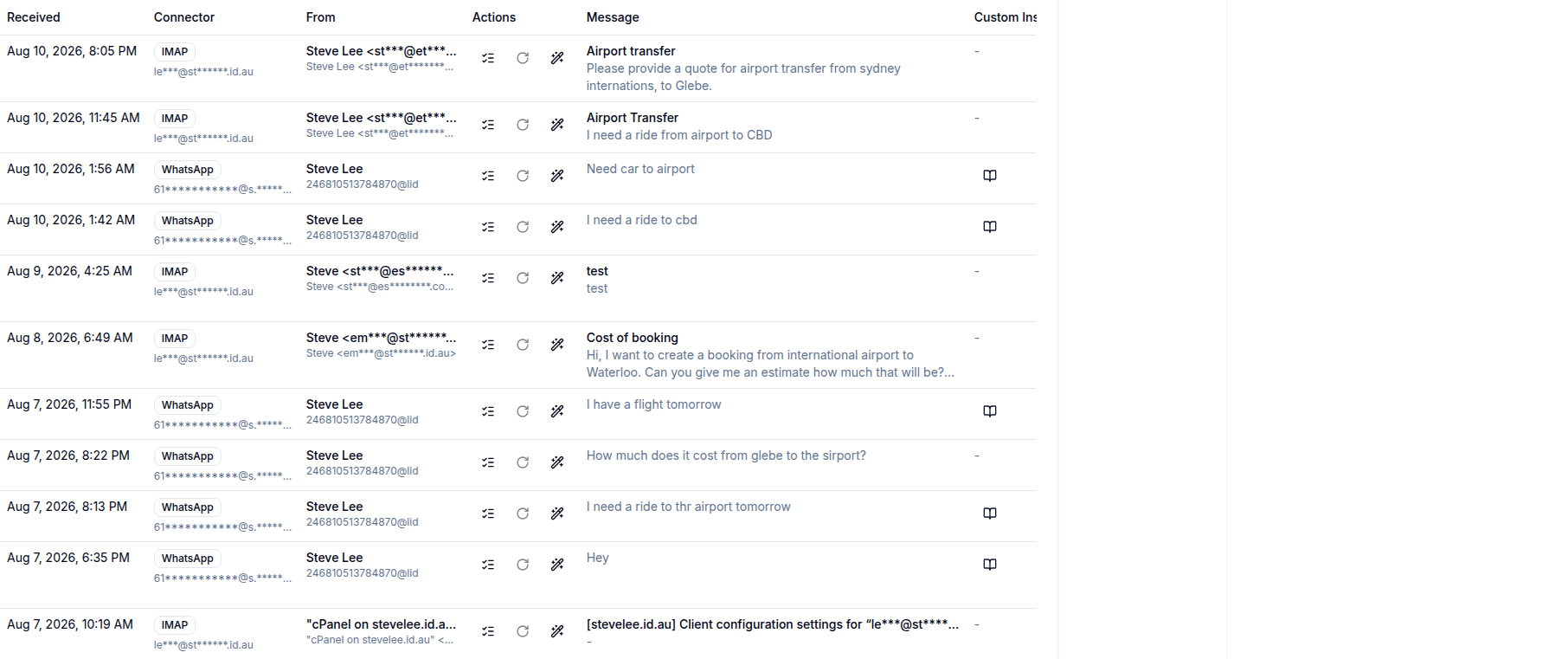
IMAP connector pulls the mailbox
A per-user IMAP connection (encrypted password, mailbox settings) is synced
on demand, either from a REST endpoint or a queued job, using a hand-rolled
IMAP client built on raw sockets rather than PHP's imap
extension. Each new message becomes a ConnectorEvent, the same
raw-event shape a WhatsApp webhook produces, so downstream processing doesn't
care which channel a message arrived on. Sync is pull-based: it runs when
triggered, not continuously via IMAP IDLE.
Deterministic intent parsing decides if it's a lead
Every connector event goes through a lead-ingestion service that extracts a
contact's email, phone, name, company, and location, classifies the
message's intent and category, and computes a confidence score. A message
only becomes a Lead once confidence clears a per-connector
threshold and the intent isn't support or an unsubscribe request. This first
pass is rule-based, not a model call, so it's fast, deterministic, and cheap
to run on every inbound message; an LLM-driven agent path exists alongside it
for cases the rules don't confidently resolve.
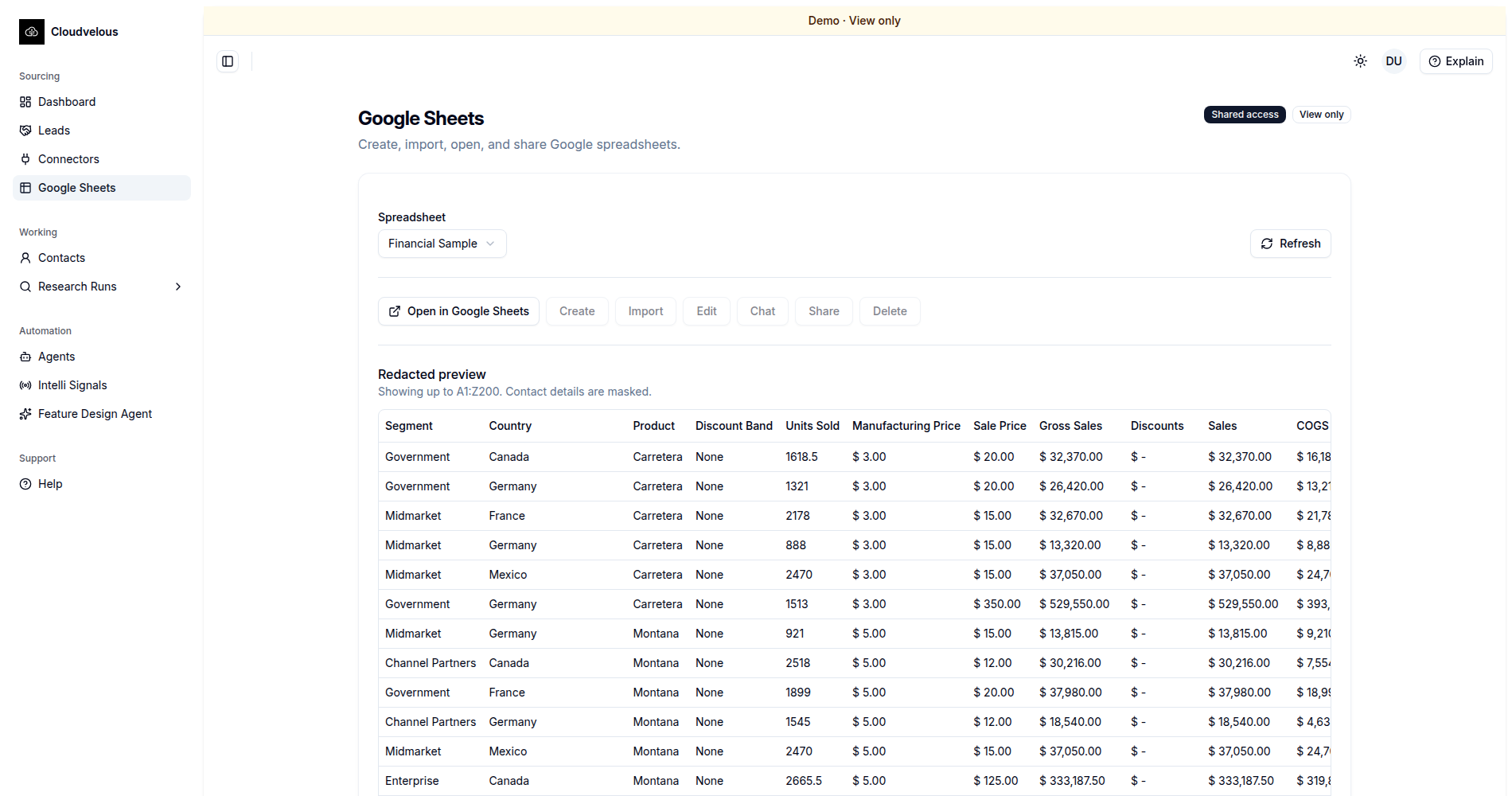
An agent tool appends the lead to Google Sheets
Once a lead is created, an agent with a google_sheets tool
assigned checks that a spreadsheet and Google OAuth connection are configured
for the org, then calls the Sheets API directly to append the row, live, not
logged for later. Duplicate appends are prevented, and a failed call is
recorded as a capability gap rather than silently dropped, so a salesperson
can tell the difference between "no lead yet" and "the integration broke."